How Does Residential Building Management Software Work?
How resident records, service fee calculations, maintenance requests and financial reports are organised in a digital residential building management system — explained step by step.
Managing a residential building involves much more than collecting monthly payments and organising cleaning services. Resident registration, financial operations, maintenance, security and daily requests all need to be managed in a coordinated way. In apartment buildings and residential complexes with many units, handling these processes manually can lead to wasted time, inconsistent records and difficulties with oversight.
A residential building management system brings together information about residents, payments, maintenance and other administrative processes. Digital building management software centralises this information, automates certain routine tasks and allows management teams to monitor daily operations.
How are these processes organised digitally, and what are the main stages involved in managing a residential complex?
What Is a Residential Building Management System?
A residential building management system is an administrative and technological framework used to organise financial, operational and maintenance activities in apartment buildings and residential complexes.
In traditional management, resident information, monthly payments and maintenance requests are often stored in separate documents and spreadsheets. While this approach may work for a small number of transactions, keeping information accurate and up to date becomes increasingly difficult as the number of apartments and requests grows.
Digital management brings these processes together on one platform. Solutions such as residential building management software help organise resident records, financial transactions, maintenance requests and administrative tasks, making information easier for authorised staff to access.
It is important to distinguish residential property management software from technical building automation. In international terminology, a Building Management System (BMS) generally refers to technology used to monitor and control engineering systems such as heating, ventilation and lighting. Residential property management software, on the other hand, focuses primarily on residents, finances, requests and daily administration. These two types of systems may be connected through compatible integrations.
How a Residential Building Management System Works
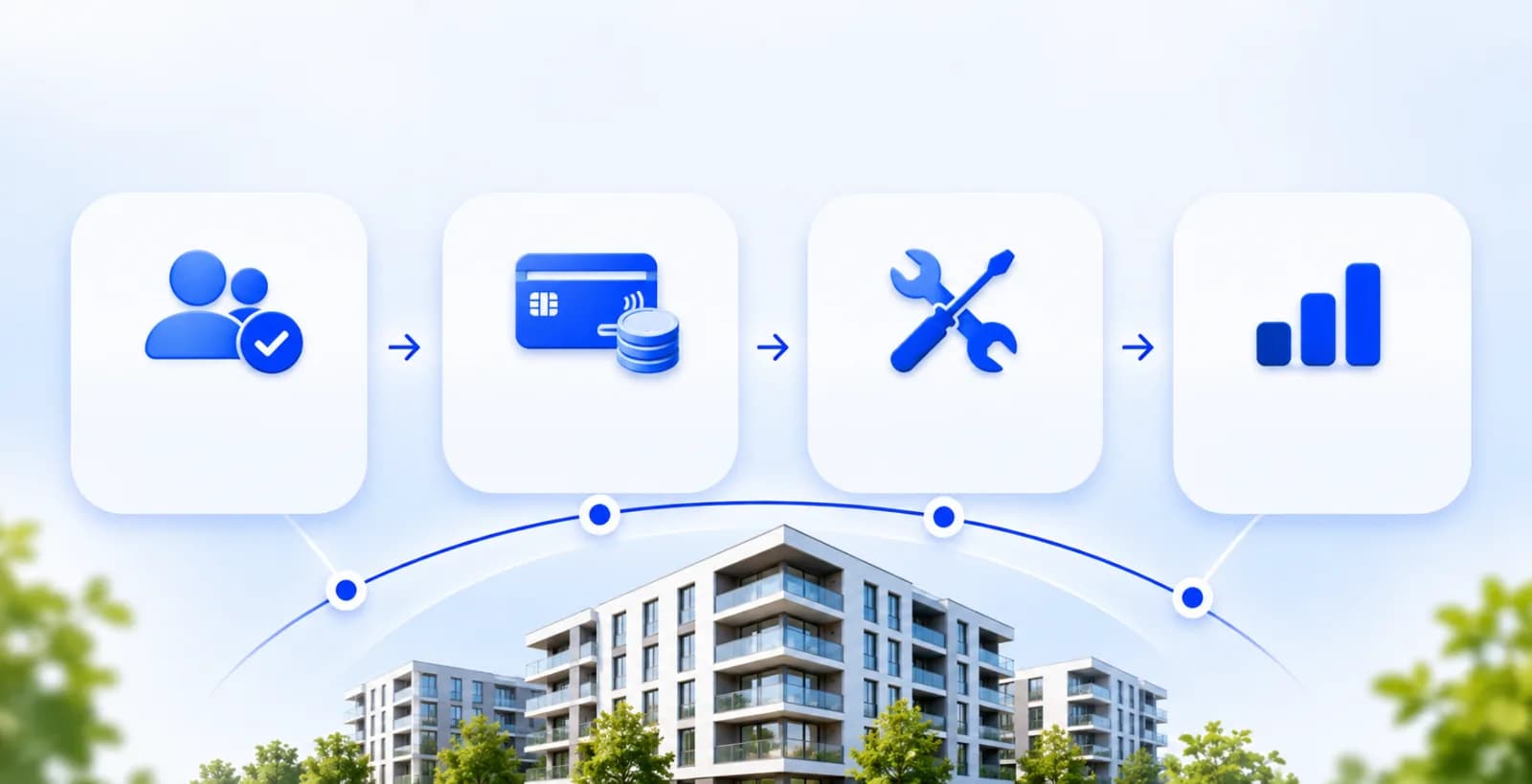
Digital residential building management is based on recording information, processing it according to established rules, carrying out operations and monitoring the results.
For example, information entered about an apartment can later be used to calculate its monthly service fee. Once a payment has been confirmed, the relevant account can be updated, while the manager can review the overall financial situation through reports.
These activities can be explained through four main stages.
1. Registering Building and Resident Information
The first stage involves entering information about the residential complex into a central database. This may include buildings, entrances, floors, apartments, non-residential premises and resident records.
Each apartment can have its own record containing floor area, owner or occupant information, contact details and other information required for billing.
For example, in a residential complex with 200 apartments, units may differ in size and applicable service conditions. Keeping these details in one database helps ensure more accurate calculations and administrative operations.
Records also need to be updated when an apartment changes ownership or a new resident moves in. This allows the management team to access current information through a single system.
2. Calculating Service Fees and Tracking Payments
One of the main functions of residential building management software is managing service charges and outstanding balances.
Monthly payments in residential complexes may be determined according to apartment size, approved rates, services provided and the terms of applicable agreements.
Once the relevant information is entered into the system, calculations can be automated. For example, if an 80 m² apartment has a monthly service fee of AZN 0.60 per square metre, the amount due will be AZN 48. These figures are illustrative and do not represent a universal service tariff.
The calculated amount appears in the apartment's account. Any unpaid balance from previous periods can also be tracked separately.
When a resident makes a payment, the transaction is recorded after confirmation and the outstanding balance is updated. This makes it possible to maintain payment histories and monitor incoming funds.
It is also important to distinguish utility charges from fees for maintaining and managing a building. Electricity, gas and water charges may be calculated according to the rules of the relevant service providers. Building management software keeps records of the service charges and other payments processed within its supported billing system.
3. Managing Resident Requests and Maintenance
Elevator malfunctions, water supply interruptions, lighting failures and problems in shared areas are common reasons for residents to contact building management.
In traditional management, such requests may be received through phone calls or messages. As the number of requests increases, tracking their progress becomes more difficult.
In a digital system, each request is recorded separately. The issue, submission date and relevant apartment or location can be registered. The task is then assigned to a responsible employee, and its progress can be monitored.
For example, a resident reports a lighting problem in a building entrance. The manager forwards the request to a maintenance technician. After the problem is resolved, the completed work is recorded and the request status is updated.
Building management software can also support planned maintenance rather than only responding to complaints. Inspection schedules for elevators, water pumps, lighting and other engineering equipment may be recorded in the system.
This allows the management team to monitor both current issues and scheduled maintenance tasks in one place.
4. Financial Reporting and Management Oversight
Information collected by a building management system can also be used to prepare operational and financial reports.
Managers may analyse service charges, received payments, outstanding balances and operating expenses over a selected period.
For example, a monthly report can show spending on cleaning, security, maintenance and other services. Comparing these figures with previous periods can support budget planning.
Reports on resident requests can also help identify recurring problems and monitor the progress of assigned tasks.
As a result, digital building management goes beyond storing information. It can also support the evaluation of daily operations and better-informed management decisions.
Who Uses a Residential Building Management System?
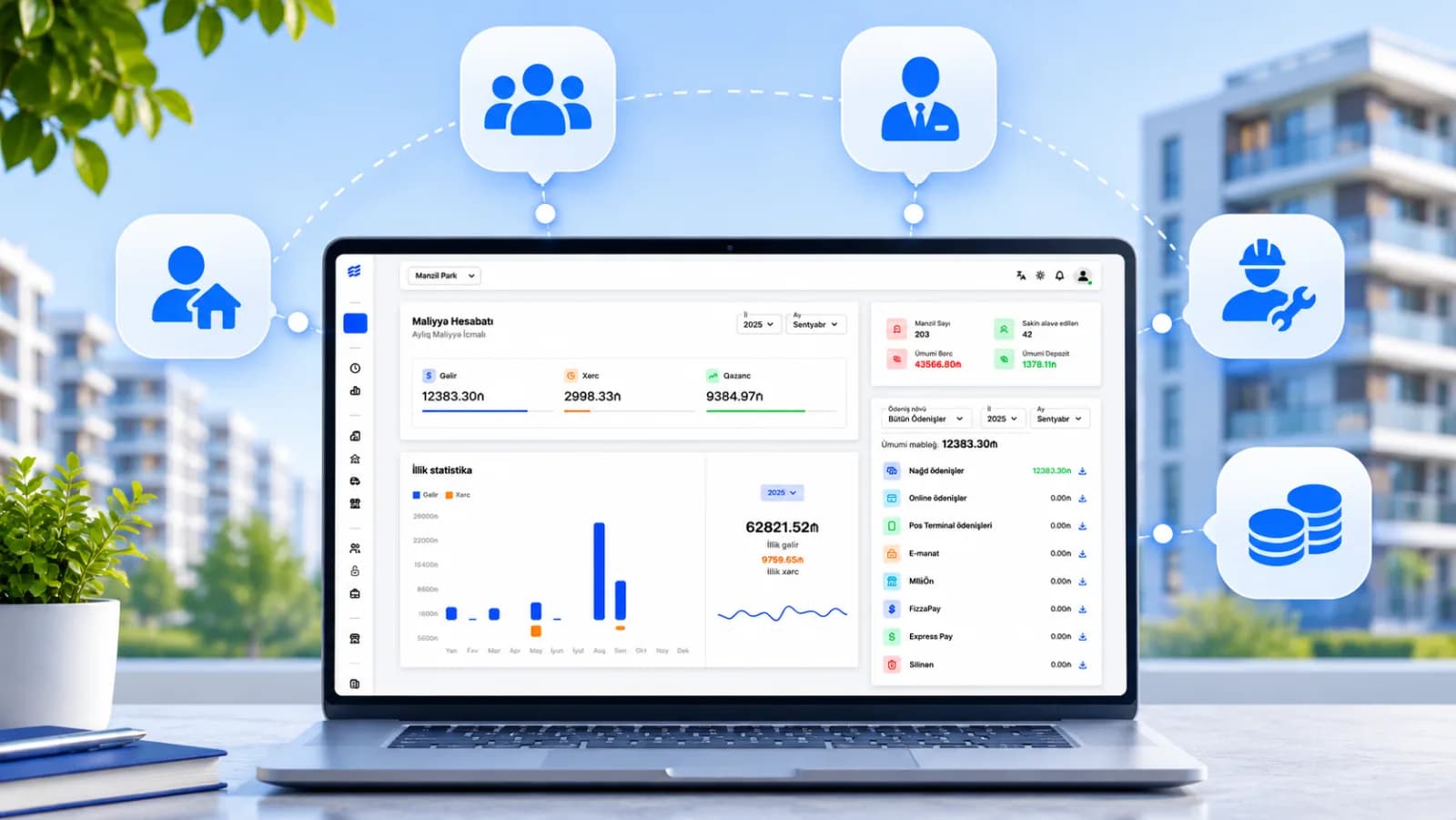
Building management software connects different groups involved in the daily operation of a residential complex. Each user accesses information and functions according to their role and permissions.
Building managers and superintendents: They monitor resident records, incoming requests, maintenance tasks and daily administrative activities. Management software can help coordinate work assignments and track completed tasks.
Accountants and finance staff: They handle service fee calculations, payment records, outstanding balances and financial reporting.
Maintenance staff: They monitor assigned requests and scheduled maintenance work, updating the system when tasks are completed.
Residents: They may use a personal account or mobile application to check service fees, payment history and requests. Where a resident app is available, it can also provide access to notifications and communication with the building management team.
How Are Parking, Access Control and Elevator Systems Integrated?

Modern residential building management platforms can be connected to certain technical systems. These integrations allow parking, access control and other building operations to be managed in a more coordinated way.
Parking management systems regulate vehicle entry and exit. LPR and ANPR cameras can recognise vehicle licence plates and compare them with a database of authorised vehicles. When access conditions are met, a command may be sent to open the barrier gate.
Access control systems manage entry permissions for residents, guests and employees. Electronic cards, mobile access credentials and intercom systems may be used for this purpose.
Elevator access management can also be integrated with compatible equipment, allowing access to certain floors to be restricted according to user permissions.
The availability of these functions depends on the building's infrastructure and the software's integration capabilities. Not all residential building management platforms offer them as standard features.
Traditional vs Digital Residential Building Management
Traditional and digital building management share the same objective: organising the daily operation of a residential complex. The main difference lies in how information is stored, tasks are performed and activities are monitored.
| Management Process | Traditional Method | Digital System |
|---|---|---|
| Resident registration | Paper records and Excel spreadsheets | Centralised database |
| Service fee calculations | Manual calculations | Automated calculations based on rates |
| Payments and outstanding balances | Separate records | Centralised financial records |
| Resident requests | Phone calls and messages | Request registration and status tracking |
| Maintenance | Manually prepared schedules | Scheduled tasks and work history |
| Reporting | Combining multiple documents | Reports based on collected system data |
Digital management can reduce repeated data entry, simplify the tracking of operations and improve coordination between staff members.
However, software alone does not guarantee effective management. Accurate data entry, appropriate staff training and clearly defined administrative procedures remain essential.
Data Security in Residential Building Management
Digital building management systems may store residents' contact details, apartment billing records, payment histories and, in some cases, access permissions.
For this reason, restricting user permissions, using secure authentication, maintaining activity logs and creating data backups are important security measures.
For example, an accountant may need access to financial records, while a maintenance employee should only be able to view tasks relevant to their work.
In Azerbaijan, the collection and processing of personal information are regulated by the Law on Personal Data. Therefore, building management software used in Azerbaijan must take both technical security and applicable legal requirements into account.
Frequently Asked Questions About Building Management Systems
Can a building management system be used in small apartment buildings?
Yes. Digital management systems are not intended exclusively for large residential complexes. Smaller apartment buildings can also use them to maintain resident records, calculate service fees and manage daily requests. The required features should match the building's size and operational needs.
What is the difference between a building management system and MTK software?
A building management system is a broader concept covering various solutions used to manage residential properties. MTK management software is generally designed for the administrative, financial and operational needs of housing construction cooperatives and the residential complexes they manage in Azerbaijan.
Can building management software calculate utility debts automatically?
This depends on the software's capabilities and billing rules. Certain service fees and outstanding balances can be calculated automatically when the relevant rates and data are entered. Integration with external utility providers may require additional technical capabilities.
Does building management software replace a building superintendent?
No. Building management software is designed to organise and support the superintendent's daily work. Communication with residents, maintenance coordination and management decisions still require responsible personnel.
Is a mobile application necessary for a building management system?
No. Management operations can also be carried out through web-based software. A mobile application makes it easier for residents to access their accounts, check payments and submit requests.
Manage your building with Menzil Park
Utility payments, parking, resident requests and reports — all on one platform.